No description
| .data | ||
| .dlt | ||
| .github | ||
| .test_data | ||
| assets | ||
| bin | ||
| cognee | ||
| docs | ||
| notebooks | ||
| tools | ||
| .env.template | ||
| .gitignore | ||
| .pylintrc | ||
| .python-version | ||
| CONTRIBUTING.md | ||
| docker-compose.yml | ||
| Dockerfile | ||
| entrypoint.sh | ||
| LICENSE | ||
| mkdocs.yml | ||
| mypy.ini | ||
| poetry.lock | ||
| pyproject.toml | ||
| README.md | ||

cognee
Deterministic LLMs Outputs for AI Engineers using graphs, LLMs and vector retrieval

Open-source framework for creating self-improving deterministic outputs for LLMs.





For more details, have a look at our documentation
📦 Installation
With pip:
pip install "cognee[weaviate]"
With poetry:
poetry add "cognee[weaviate]"
💻 Usage
Setup
import os

os.environ["WEAVIATE_URL"] = "YOUR_WEAVIATE_URL"
os.environ["WEAVIATE_API_KEY"] = "YOUR_WEAVIATE_API_KEY"

os.environ["OPENAI_API_KEY"] = "YOUR_OPENAI_API_KEY"
You can also use Ollama or Anyscale as your LLM provider. For more info on local models check our docs
Run
import cognee

text = """Natural language processing (NLP) is an interdisciplinary
       subfield of computer science and information retrieval"""

cognee.add(text) # Add a new piece of information

cognee.cognify() # Use LLMs and cognee to create knowledge

search_results = cognee.search("SIMILARITY", "computer science") # Query cognee for the knowledge

for result_text in search_results[0]:
    print(result_text)
Add alternative data types:
cognee.add("file://{absolute_path_to_file}", dataset_name)
Or
cognee.add("data://{absolute_path_to_directory}", dataset_name)

# This is useful if you have a directory with files organized in subdirectories.
# You can target which directory to add by providing dataset_name.
# Example:
#            root
#           /    \
#      reports  bills
#     /       \
#   2024     2023
#
# cognee.add("data://{absolute_path_to_root}", "reports.2024")
# This will add just directory 2024 under reports.
Read more here.
Demo
Check out our demo notebook here
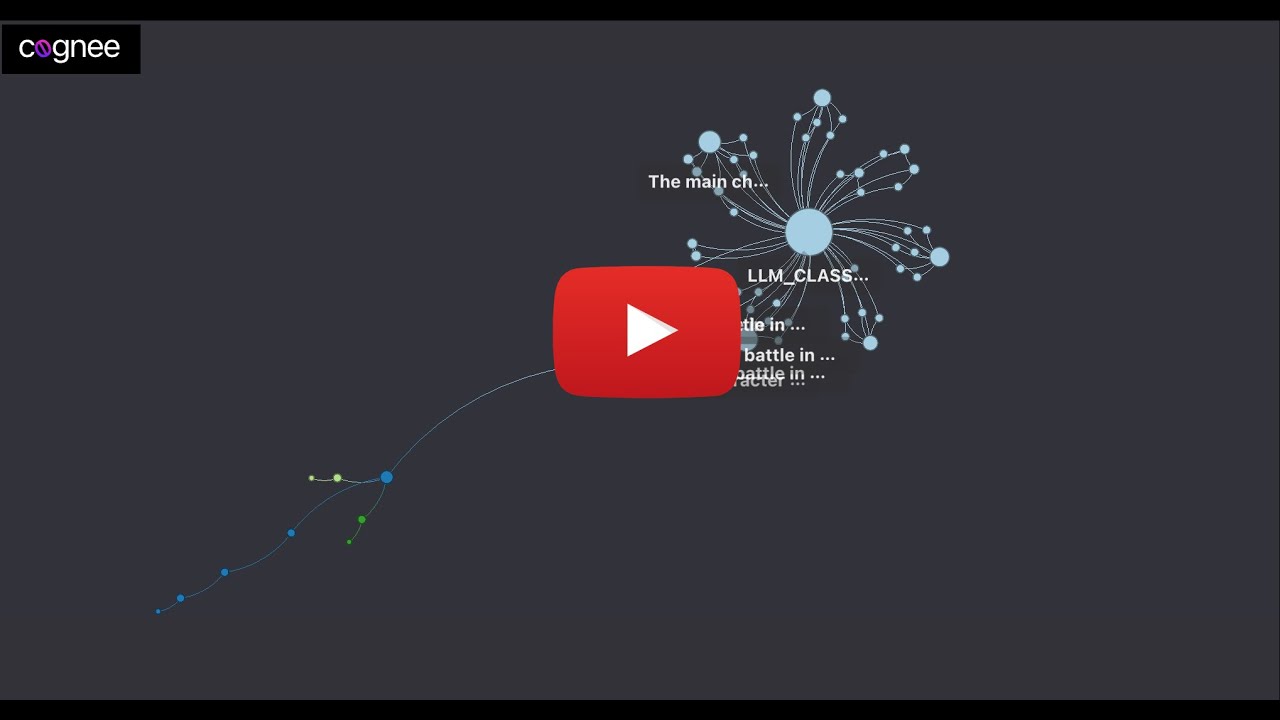
How it works

🚀 It's alive
Try it yourself on Whatsapp with one of our partners by typing `/save {content you want to save}` followed by `/query {knowledge you saved previously}` For more info here are the docs