 2182f619df
## Description This PR adds **responsive resizing** to the graph container. The `ForceGraph` component now dynamically adjusts its width and height when the browser window is resized, improving the user experience by removing the need to manually click the "Fit Into View" button. solver issue #1164 ## DCO Affirmation I affirm that all code in every commit of this pull request conforms to the terms of the Topoteretes Developer Certificate of Origin. --- ## ✅ Changes Made (Minimal, Additive Only) ### 1. **Added necessary imports** ```typescript import { MutableRefObject, useEffect, useImperativeHandle, useRef, useState, useCallback } from "react"; // Added useCallback to existing imports ``` ### 2. **Added responsive sizing state and refs** ```typescript // State for tracking container dimensions const [dimensions, setDimensions] = useState({ width: 0, height: 0 }); const containerRef = useRef<HTMLDivElement>(null); ``` ### 3. **Added resize handling logic** ```typescript // Handle window resize const handleResize = useCallback(() => { if (containerRef.current) { const { clientWidth, clientHeight } = containerRef.current; setDimensions({ width: clientWidth, height: clientHeight }); // Trigger graph refresh after resize if (graphRef.current) { // Small delay to ensure DOM has updated setTimeout(() => { graphRef.current?.refresh(); }, 100); } } }, []); // Set up resize observer useEffect(() => { // Initial size calculation handleResize(); // ResizeObserver for more precise container size tracking const resizeObserver = new ResizeObserver(() => { handleResize(); }); if (containerRef.current) { resizeObserver.observe(containerRef.current); } return () => { resizeObserver.disconnect(); }; }, [handleResize]); ``` ### 4. **Added container ref to wrapping div** ```tsx <div ref={containerRef} className="w-full h-full" id="graph-container"> {/* Graph component rendered here */} </div> ``` ### 5. **Passed dynamic width/height to ForceGraph** ```tsx <ForceGraph ref={graphRef} width={dimensions.width} height={dimensions.height} dagMode={graphShape as unknown as undefined} // ... rest of props unchanged /> ``` --- you can check this video out: https://github.com/user-attachments/assets/e8e42c99-23e9-4acd-a51b-c59e8bee7094 |
||
|---|---|---|
| .github | ||
| alembic | ||
| assets | ||
| bin | ||
| cognee | ||
| cognee-frontend | ||
| cognee-mcp | ||
| cognee-starter-kit | ||
| deployment | ||
| distributed | ||
| evals | ||
| examples | ||
| licenses | ||
| logs | ||
| notebooks | ||
| tools | ||
| .dockerignore | ||
| .env.template | ||
| .gitattributes | ||
| .gitguardian.yml | ||
| .gitignore | ||
| .pre-commit-config.yaml | ||
| .pylintrc | ||
| alembic.ini | ||
| CODE_OF_CONDUCT.md | ||
| cognee-gui.py | ||
| CONTRIBUTING.md | ||
| CONTRIBUTORS.md | ||
| DCO.md | ||
| docker-compose.yml | ||
| Dockerfile | ||
| entrypoint.sh | ||
| LICENSE | ||
| mypy.ini | ||
| NOTICE.md | ||
| poetry.lock | ||
| pyproject.toml | ||
| README.md | ||
| SECURITY.md | ||
| uv.lock | ||

cognee - Memory for AI Agents in 5 lines of code
Demo . Learn more · Join Discord · Join r/AIMemory . Docs . cognee community repo







🚀 We launched Cogwit beta (Fully-hosted AI Memory): Sign up here! 🚀
Build dynamic memory for Agents and replace RAG using scalable, modular ECL (Extract, Cognify, Load) pipelines.
🌐 Available Languages : Deutsch | Español | français | 日本語 | 한국어 | Português | Русский | 中文
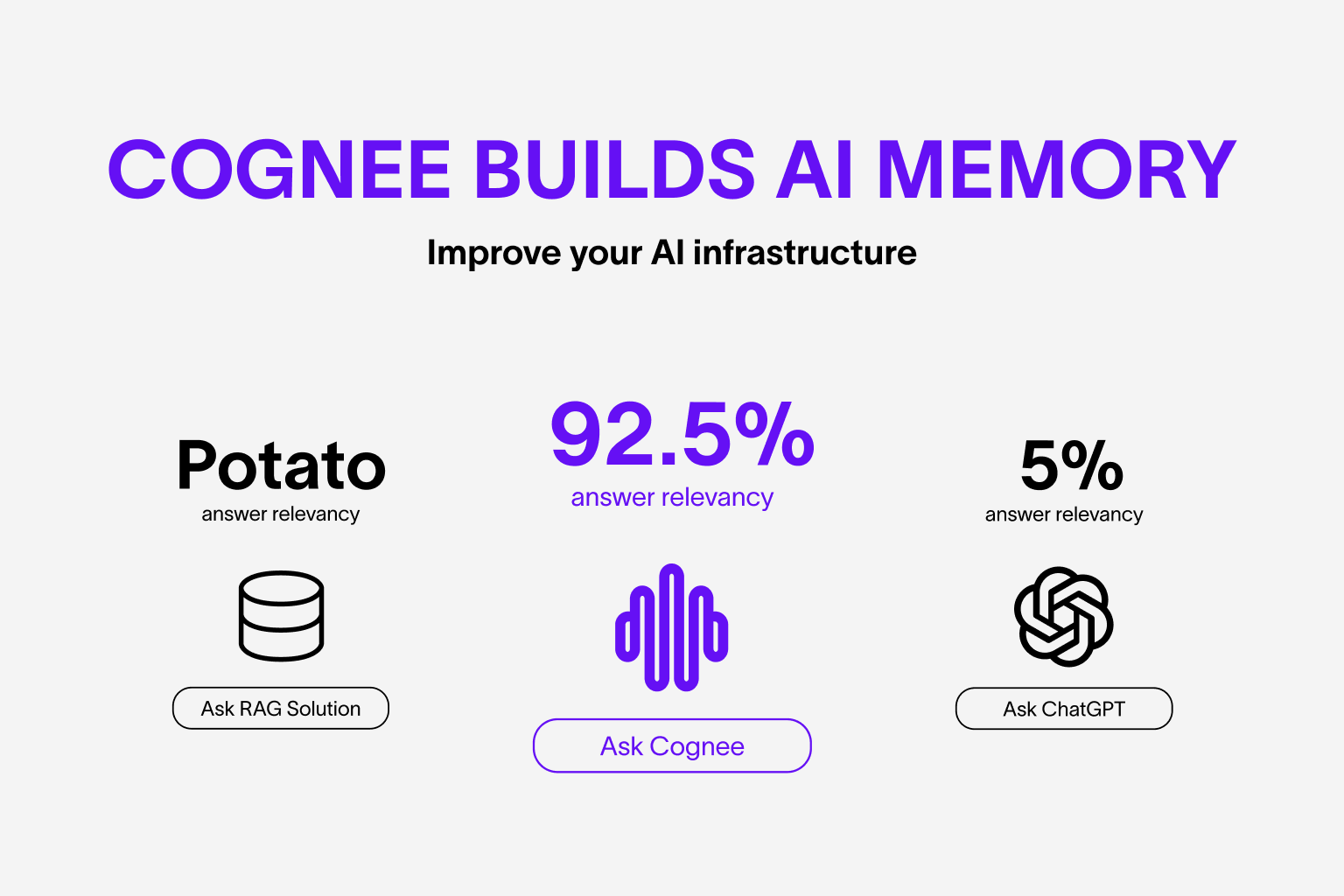
Features
- Interconnect and retrieve your past conversations, documents, images and audio transcriptions
- Replaces RAG systems and reduces developer effort, and cost.
- Load data to graph and vector databases using only Pydantic
- Manipulate your data while ingesting from 30+ data sources
Get Started
Get started quickly with a Google Colab notebook , Deepnote notebook or starter repo
Contributing
Your contributions are at the core of making this a true open source project. Any contributions you make are greatly appreciated. See CONTRIBUTING.md for more information.
📦 Installation
You can install Cognee using either pip, poetry, uv or any other python package manager. Cognee supports Python 3.8 to 3.12
With pip
pip install cognee
Local Cognee installation
You can install the local Cognee repo using pip, poetry and uv. For local pip installation please make sure your pip version is above version 21.3.
with UV with all optional dependencies
uv sync --all-extras
💻 Basic Usage
Setup
import os
os.environ["LLM_API_KEY"] = "YOUR OPENAI_API_KEY"
You can also set the variables by creating .env file, using our template. To use different LLM providers, for more info check out our documentation
Simple example
This script will run the default pipeline:
import cognee
import asyncio


async def main():
    # Add text to cognee
    await cognee.add("Natural language processing (NLP) is an interdisciplinary subfield of computer science and information retrieval.")

    # Generate the knowledge graph
    await cognee.cognify()

    # Query the knowledge graph
    results = await cognee.search("Tell me about NLP")

    # Display the results
    for result in results:
        print(result)


if __name__ == '__main__':
    asyncio.run(main())
Example output:
Natural Language Processing (NLP) is a cross-disciplinary and interdisciplinary field that involves computer science and information retrieval. It focuses on the interaction between computers and human language, enabling machines to understand and process natural language.
Our paper is out! Read here

Cognee UI
You can also cognify your files and query using cognee UI.
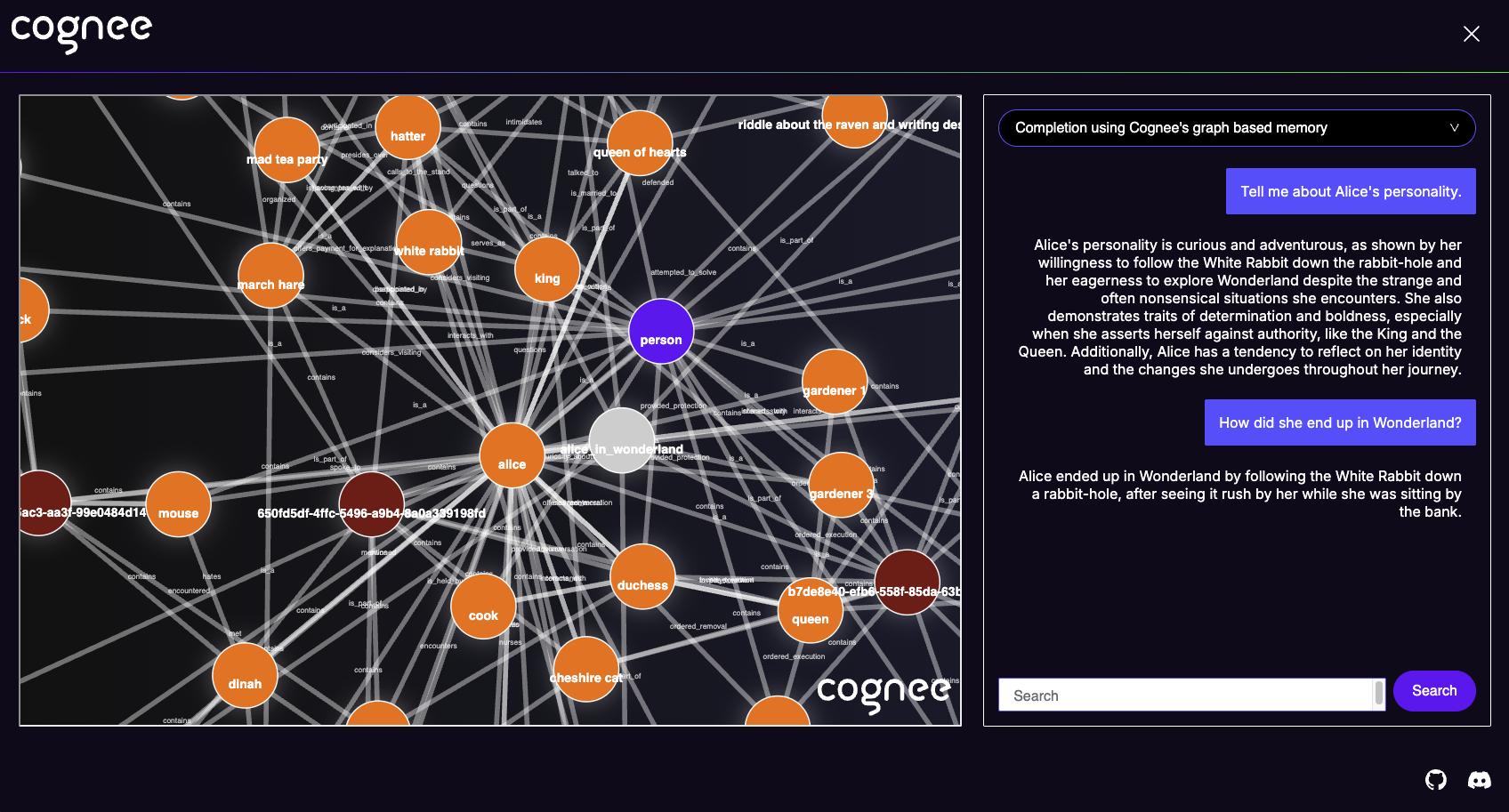
Try cognee UI out locally here.
Understand our architecture

Demos
- Cogwit Beta demo:
- Simple GraphRAG demo
- cognee with Ollama
Code of Conduct
We are committed to making open source an enjoyable and respectful experience for our community. See CODE_OF_CONDUCT for more information.