
Open-source framework for creating knowledge graphs and data models for LLMs.




Try it yourself on Whatsapp with one of our partners by typing `/save {content you want to save}` followed by `/query {knowledge you saved previously}` For more info here are the docs
## 📦 Installation With pip: ```bash pip install "cognee[weaviate]" ``` With poetry: ```bash poetry add "cognee[weaviate]" ``` ## 💻 Usage ### Setup ``` import os os.environ["WEAVIATE_URL"] = "YOUR_WEAVIATE_URL" os.environ["WEAVIATE_API_KEY"] = "YOUR_WEAVIATE_API_KEY" os.environ["OPENAI_API_KEY"] = "YOUR_OPENAI_API_KEY" ``` ### Run ``` import cognee text = """Natural language processing (NLP) is an interdisciplinary subfield of computer science and information retrieval""" cognee.add(text) # Add a new piece of information cognee.cognify() # Use LLMs and cognee to create knowledge search_results = cognee.search("SIMILARITY", "computer science") # Query cognee for the knowledge for result_text in search_results[0]: print(result_text) ``` Add alternative data types: ``` cognee.add("file://{absolute_path_to_file}", dataset_name) ``` Or ``` cognee.add("data://{absolute_path_to_directory}", dataset_name) # This is useful if you have a directory with files organized in subdirectories. # You can target which directory to add by providing dataset_name. # Example: # root # / \ # reports bills # / \ # 2024 2023 # # cognee.add("data://{absolute_path_to_root}", "reports.2024") # This will add just directory 2024 under reports. ``` Read more [here](docs/index.md#run). ## Demo Check out our demo notebook [here](https://github.com/topoteretes/cognee/blob/main/notebooks/cognee%20-%20Get%20Started.ipynb) ## Architecture [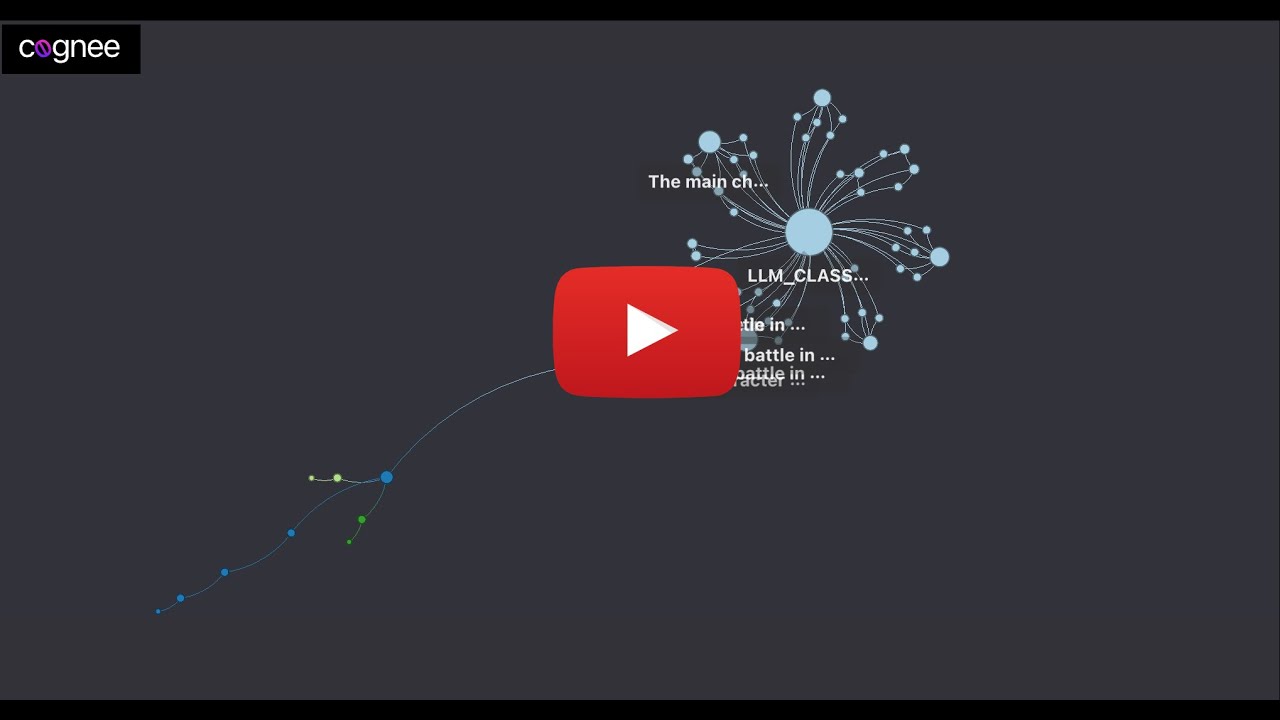 ](https://youtu.be/-ARUfIzhzC4 "Learn about cognee: 55")
### How Cognee Enhances Your Contextual Memory
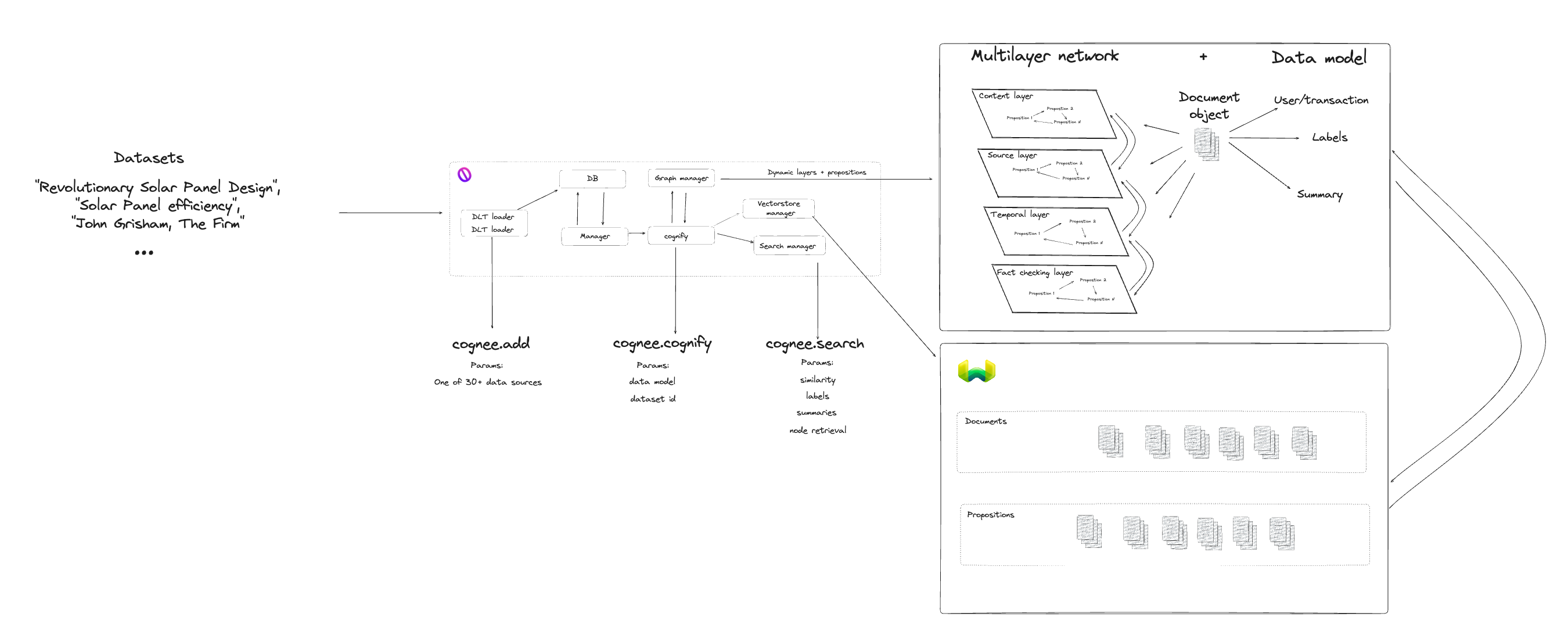
Our framework for the OpenAI, Graph (Neo4j) and Vector (Weaviate) databases introduces three key enhancements:
- Query Classifiers: Navigate information graph using Pydantic OpenAI classifiers.
- Document Topology: Structure and store documents in public and private domains.
- Personalized Context: Provide a context object to the LLM for a better response.
](https://youtu.be/-ARUfIzhzC4 "Learn about cognee: 55")
### How Cognee Enhances Your Contextual Memory
Our framework for the OpenAI, Graph (Neo4j) and Vector (Weaviate) databases introduces three key enhancements:
- Query Classifiers: Navigate information graph using Pydantic OpenAI classifiers.
- Document Topology: Structure and store documents in public and private domains.
- Personalized Context: Provide a context object to the LLM for a better response.
