# cognee
We build for developers who need a reliable, production-ready data layer for AI applications




## What is cognee?
cognee implements scalable, modular ECL (Extract, Cognify, Load) pipelines that allow you ability to interconnect and retrieve past conversations, documents, audio transcriptions, while also reducing hallucinations, developer effort and cost.
Try it in a Google collab notebook or have a look at our documentation
If you have questions, join our Discord community
## 📦 Installation
### With pip
```bash
pip install cognee
```
### With poetry
```bash
poetry add cognee
```
## 💻 Basic Usage
### Setup
```
import os
os.environ["LLM_API_KEY"] = "YOUR OPENAI_API_KEY"
```
or
```
import cognee
cognee.config.llm_api_key = "YOUR_OPENAI_API_KEY"
```
You can use different LLM providers, for more info check out our documentation
If you are using Networkx, create an account on Graphistry to visualize results:
```
cognee.config.set_graphistry_username = "YOUR_USERNAME"
cognee.config.set_graphistry_password = "YOUR_PASSWORD"
```
(Optional) To run the UI, run:
```
docker-compose up cognee
```
Then navigate to localhost:3000/wizard
### Simple example
Run the default cognee pipeline:
```
import cognee
text = """Natural language processing (NLP) is an interdisciplinary
subfield of computer science and information retrieval"""
await cognee.add([text], "example_dataset") # Add a new piece of information
await cognee.cognify() # Use LLMs and cognee to create a semantic graph
await search_results = cognee.search("SIMILARITY", {'query': 'Tell me about NLP'}) # Query cognee for the knowledge
print(search_results)
```
### Create your own memory store
cognee framework consists of tasks that can be grouped into pipelines.
Each task can be an independent part of business logic, that can be tied to other tasks to form a pipeline.
These tasks persist data into your memory store enabling you to search for relevant context of past conversations, documents, or any other data you have stored.
### Example: Classify your documents
Here is an example of how it looks for a default cognify pipeline:
1. To prepare the data for the pipeline run, first we need to add it to our metastore and normalize it:
Start with:
```
text = """Natural language processing (NLP) is an interdisciplinary
subfield of computer science and information retrieval"""
await cognee.add([text], "example_dataset") # Add a new piece of information
```
2. In the next step we make a task. The task can be any business logic we need, but the important part is that it should be encapsulated in one function.
Here we show an example of creating a naive LLM classifier that takes a Pydantic model and then stores the data in both the graph and vector stores after analyzing each chunk.
We provided just a snippet for reference, but feel free to check out the implementation in our repo.
```
async def chunk_naive_llm_classifier(
data_chunks: list[DocumentChunk],
classification_model: Type[BaseModel]
):
# Extract classifications asynchronously
chunk_classifications = await asyncio.gather(
*(extract_categories(chunk.text, classification_model) for chunk in data_chunks)
)
# Collect classification data points using a set to avoid duplicates
classification_data_points = {
uuid5(NAMESPACE_OID, cls.label.type)
for cls in chunk_classifications
} | {
uuid5(NAMESPACE_OID, subclass.value)
for cls in chunk_classifications
for subclass in cls.label.subclass
}
vector_engine = get_vector_engine()
collection_name = "classification"
# Define the payload schema
class Keyword(BaseModel):
uuid: str
text: str
chunk_id: str
document_id: str
# Ensure the collection exists and retrieve existing data points
if not await vector_engine.has_collection(collection_name):
await vector_engine.create_collection(collection_name, payload_schema=Keyword)
existing_points_map = {}
else:
existing_points_map = {}
return data_chunks
...
```
We have a large number of tasks that can be used in your pipelines, and you can also create your own tasks to fit your business logic.
3. Once we have our tasks, it is time to group them into a pipeline.
This simplified snippet demonstrates how tasks can be added to a pipeline, and how they can pass the information forward from one to another.
```
Task(
chunk_naive_llm_classifier,
classification_model = cognee_config.classification_model,
)
pipeline = run_tasks(tasks, documents)
```
To see the working code, check cognee.api.v1.cognify default pipeline in our repo.
## Vector retrieval, Graphs and LLMs
Cognee supports a variety of tools and services for different operations:
- **Modular**: Cognee is modular by nature, using tasks grouped into pipelines
- **Local Setup**: By default, LanceDB runs locally with NetworkX and OpenAI.
- **Vector Stores**: Cognee supports Qdrant and Weaviate for vector storage.
- **Language Models (LLMs)**: You can use either Anyscale or Ollama as your LLM provider.
- **Graph Stores**: In addition to LanceDB, Neo4j is also supported for graph storage.
- **User management**: Create individual user graphs and manage permissions
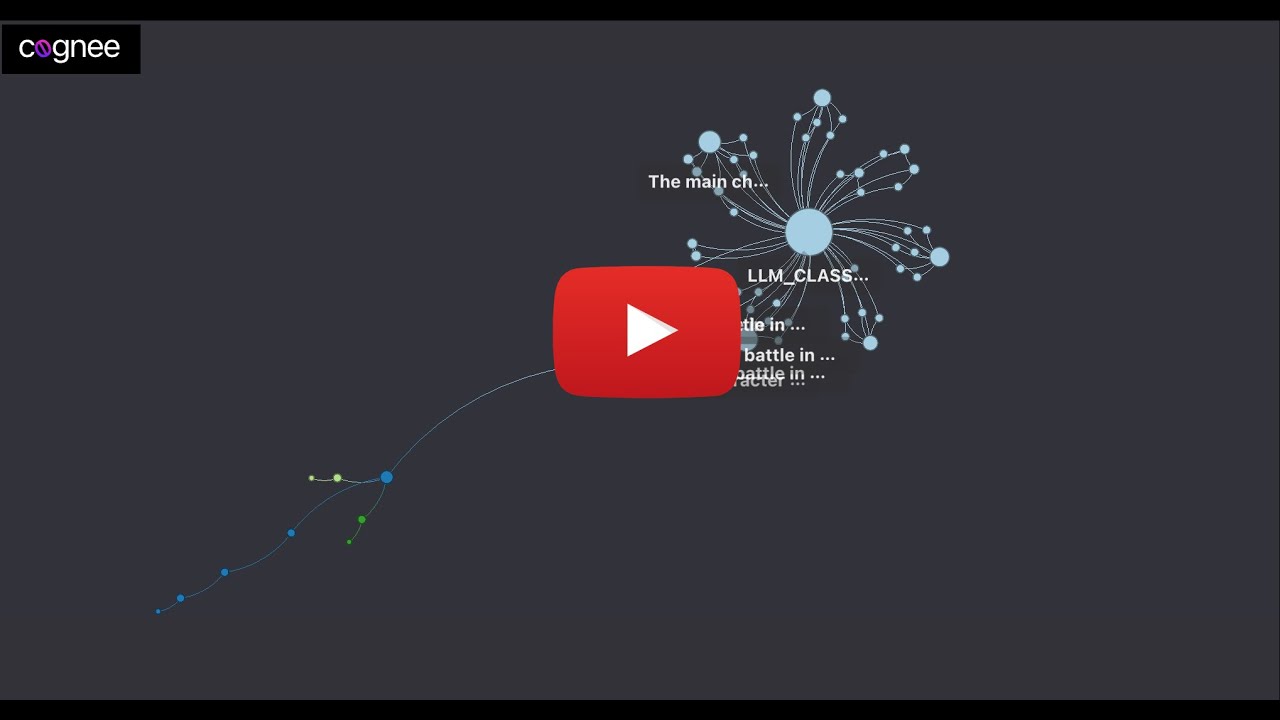
## Demo
Check out our demo notebook [here](https://github.com/topoteretes/cognee/blob/main/notebooks/cognee%20-%20Get%20Started.ipynb)
[ ](https://www.youtube.com/watch?v=BDFt4xVPmro "Learn about cognee: 55")
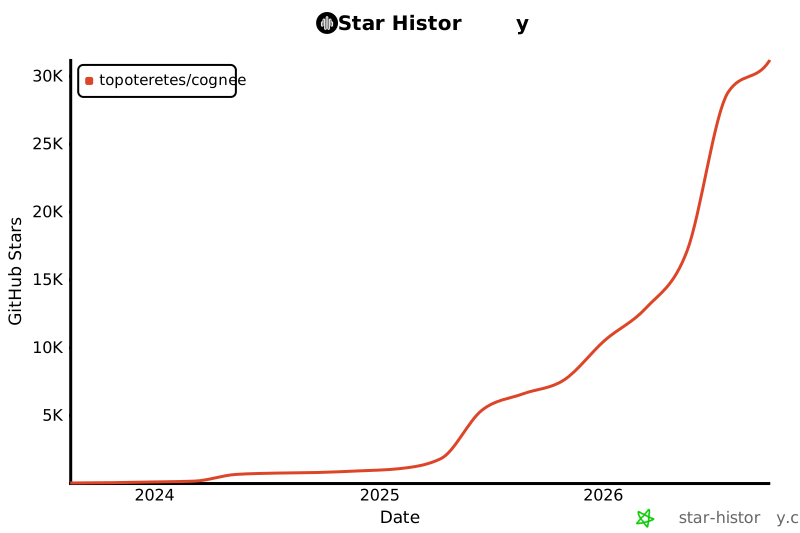
## Star History
[](https://star-history.com/#topoteretes/cognee&Date)
## Get Started
### Install Server
Please see the [cognee Quick Start Guide](https://topoteretes.github.io/cognee/quickstart/) for important configuration information.
```bash
docker compose up
```
### Install SDK
Please see the cognee [Develoment Guide](https://topoteretes.github.io/cognee/quickstart/) for important beta information and usage instructions.
```bash
pip install cognee
```
](https://www.youtube.com/watch?v=BDFt4xVPmro "Learn about cognee: 55")
## Star History
[](https://star-history.com/#topoteretes/cognee&Date)
## Get Started
### Install Server
Please see the [cognee Quick Start Guide](https://topoteretes.github.io/cognee/quickstart/) for important configuration information.
```bash
docker compose up
```
### Install SDK
Please see the cognee [Develoment Guide](https://topoteretes.github.io/cognee/quickstart/) for important beta information and usage instructions.
```bash
pip install cognee
```